Jemdo Studio 2.0
Download Jemdo Studio
All four platforms update together, and one Jemdo account works on Mac, Windows, iPhone, iPad and Android.
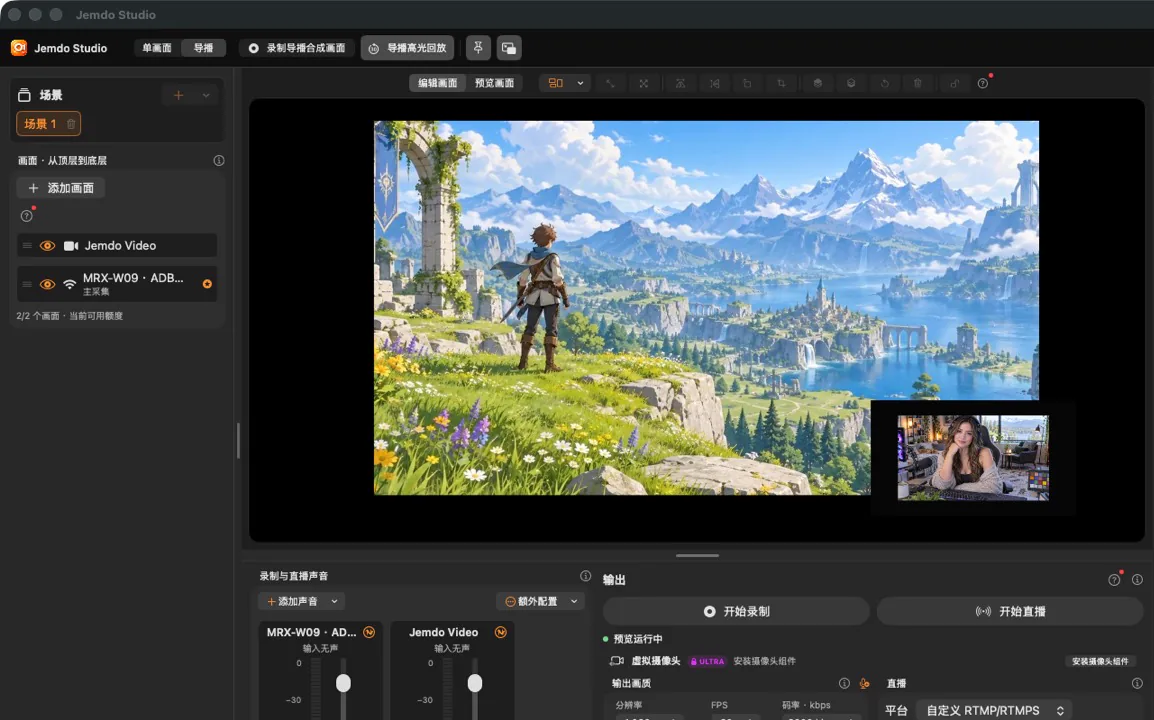
Mac
macOS 14+
Desktop capture, recording and directing. macOS 14 or later, on Intel and Apple silicon Macs.
Macs on macOS 14 or later (Intel or Apple silicon) use 2.0 above. Not sure? Apple menu → About This Mac shows your macOS version.
- Build
- 2.0.1
- Release date
- 2026-11-17
Installation & file verification
Open the DMG, drag Jemdo Capture Studio to Applications, then open it.
- Package type
- macOS disk image (DMG)
- Distribution
- Signed and Apple-notarized
- Source commit
- Not listed
3e6f3b494ce1783a2f640911dedda9098a6e4d5c891bf4ec845ce0ffd786aff7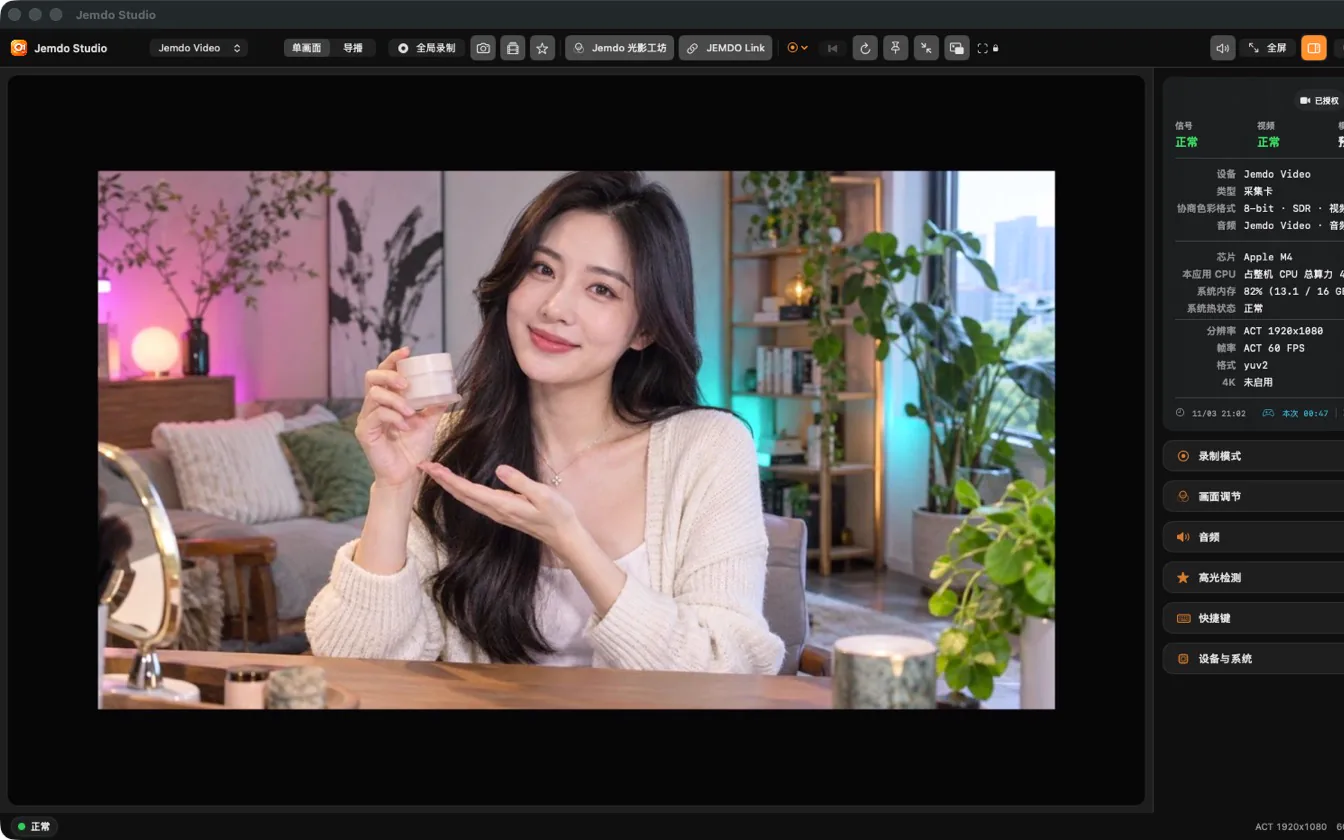
Windows
Windows 10 / 11
Preview and record on Windows. Choose the package that matches your processor.
- Build
- 2.0.2
- Release date
- 2026-11-18
Installation & file verification
Run the installer, follow the prompts, then open the app from the Start menu. If Windows reports an unknown publisher, verify the file source and SHA-256 before continuing.
- Package type
- Windows installer
- Distribution
- Not listed
- Source commit
- Not listed
f44522e4ca3837c6725d3947636c93b28f6f7a05c8f82dfbcbe3b8a32f29a1ce
iPhone / iPad
iOS / iPadOS 17+
One app for iPhone and iPad. Use the iPhone camera and Jemdo Link; USB capture requires a compatible iPad.

Android
Android 9+
One APK for phones and tablets. USB capture requires USB Host support and a compatible capture device.
- Build
- 2.0.2
- Release date
- 2026-11-18
Installation & file verification
Open the APK and allow installation for the browser or file manager you used. You can revoke that permission after installation. If the system blocks the file, verify its source before proceeding.
- Package type
- Android package (APK)
- Distribution
- Not listed
- Source commit
- Not listed
3b75403180d38a106314904ea0004372cea5350edfcaf7ecc7690d934e2391f5The app store is the easiest way to install, and updates arrive automatically. Review times differ by store, so check the version on the store page. The installers carry the same version as the store apps, for computers and Android devices that don't use a store. Each one lists a SHA-256 checksum so you can verify the file.
Installed? Three steps to start
- 01Connect the capture cardRun HDMI from the console to the capture card, then USB from the card to your computer or tablet.
- 02Open Jemdo StudioThe picture shows up on its own. If it does not, check the console's video output and the HDMI cable.
- 03Record or go livePress record to start recording. To stream, add your stream address under Output.
What you can bring in
Most UVC HDMI capture cards work as soon as you plug them in, with no driver to install.



Other devices and earlier versions
Pick a device type to see which version to install, what it can do, and earlier packages.
