
Your console, your phone and you, live in one shot.
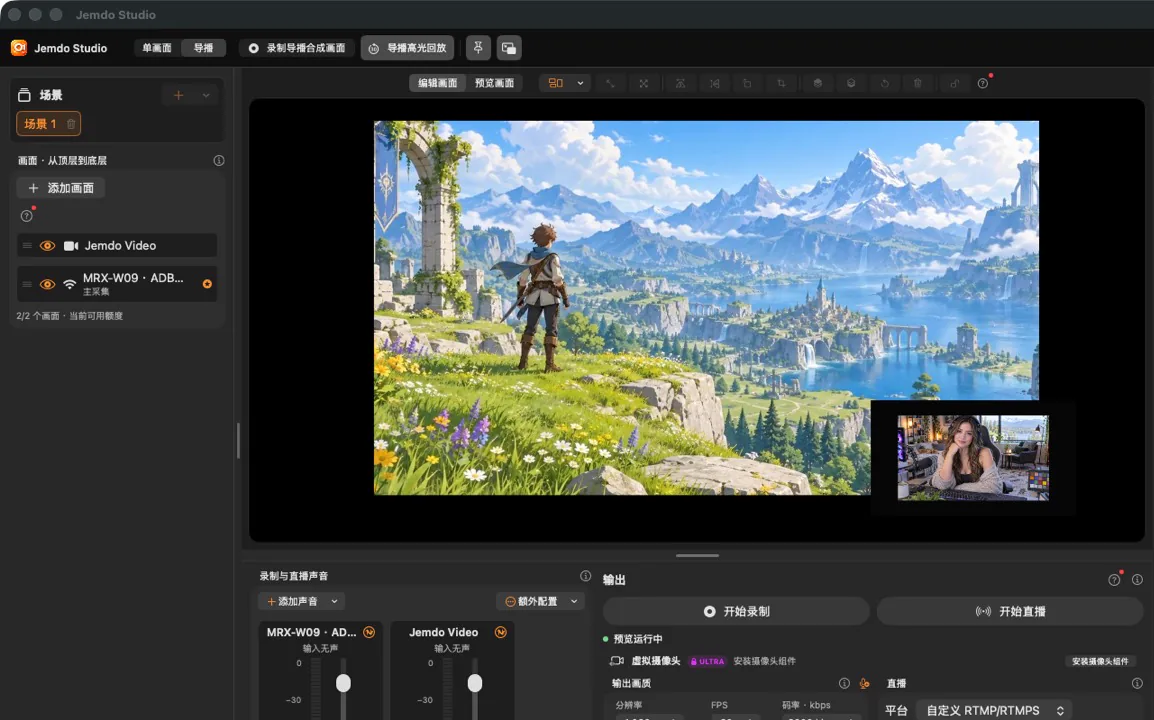
Plug in a capture card and the picture is there. Light Workshop changes the look of the picture, and a spare phone can join as another camera.
Plug in a capture card and preview
Jemdo Studio recognises UVC capture cards directly. No driver to install, no scene or encoder to set up first.
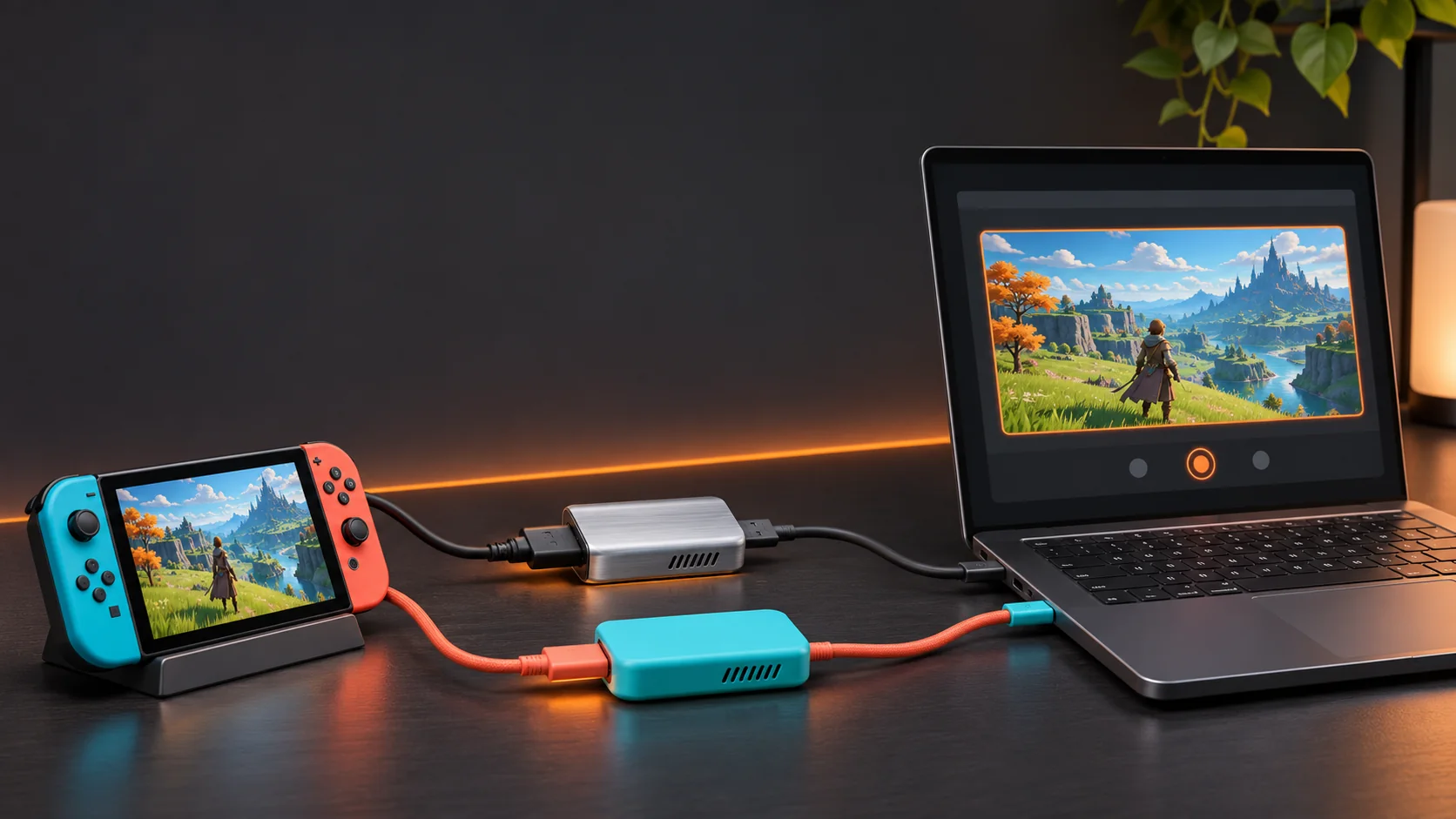
- No driverWorks with UVC capture cards and common game consoles.
- Sound includedPicture and sound arrive together, so you can play while you watch.
- Recovers on replugIf the cable comes loose, plug it back in and the picture returns.
- Recording keeps goingWhen the machine is under heavy load, quality steps down and recording continues.
- Local, no adsThe picture is processed on your device only.
- Capture is freePreview, recording and screenshots cost nothing.
Light Workshop has 62 looks
Sorted into game, live and creative. Everything below is rendered by Jemdo Studio. Drag the line to compare with the original.


Built-in looks: 10 on Free, 30 on PRO, all 62 on ULTRA. ULTRA can also import your own LUTs.
Add your phone as a second camera
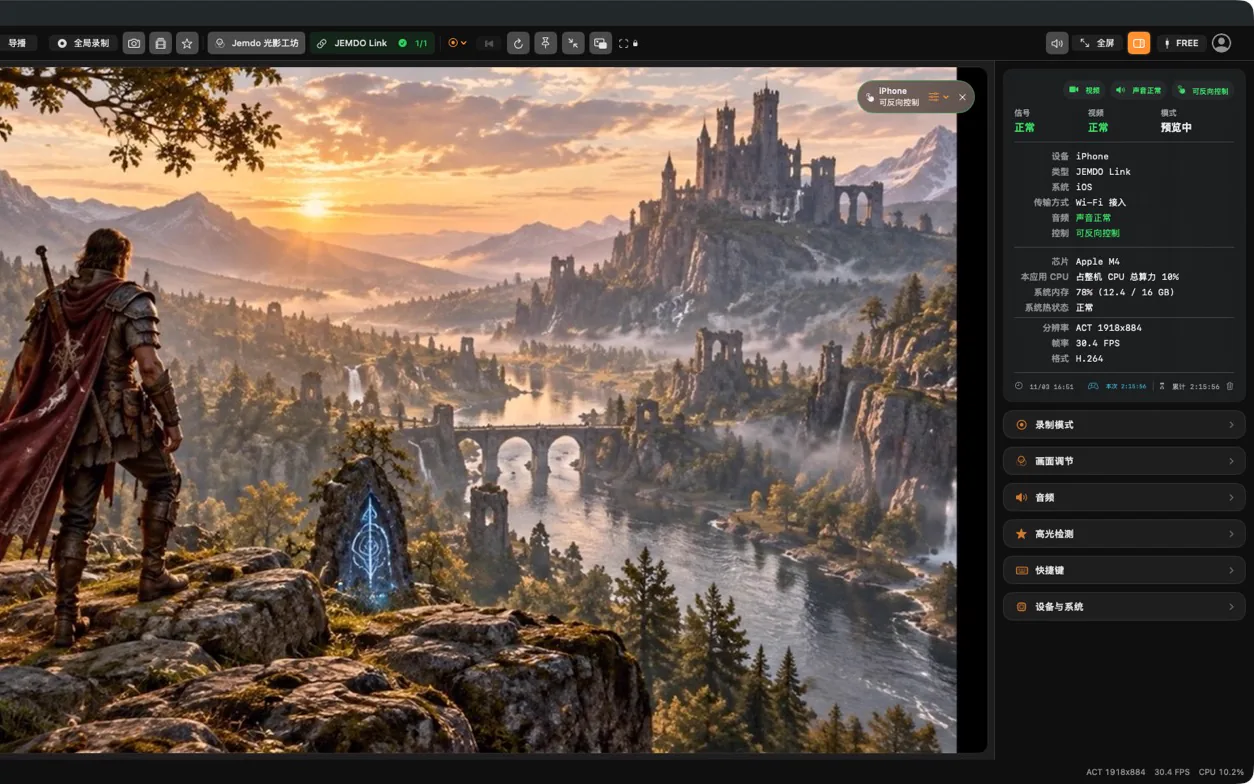
Put the phone and computer on the same Wi-Fi and pair with a QR code. The phone's camera or screen then shows up in Studio as another source.
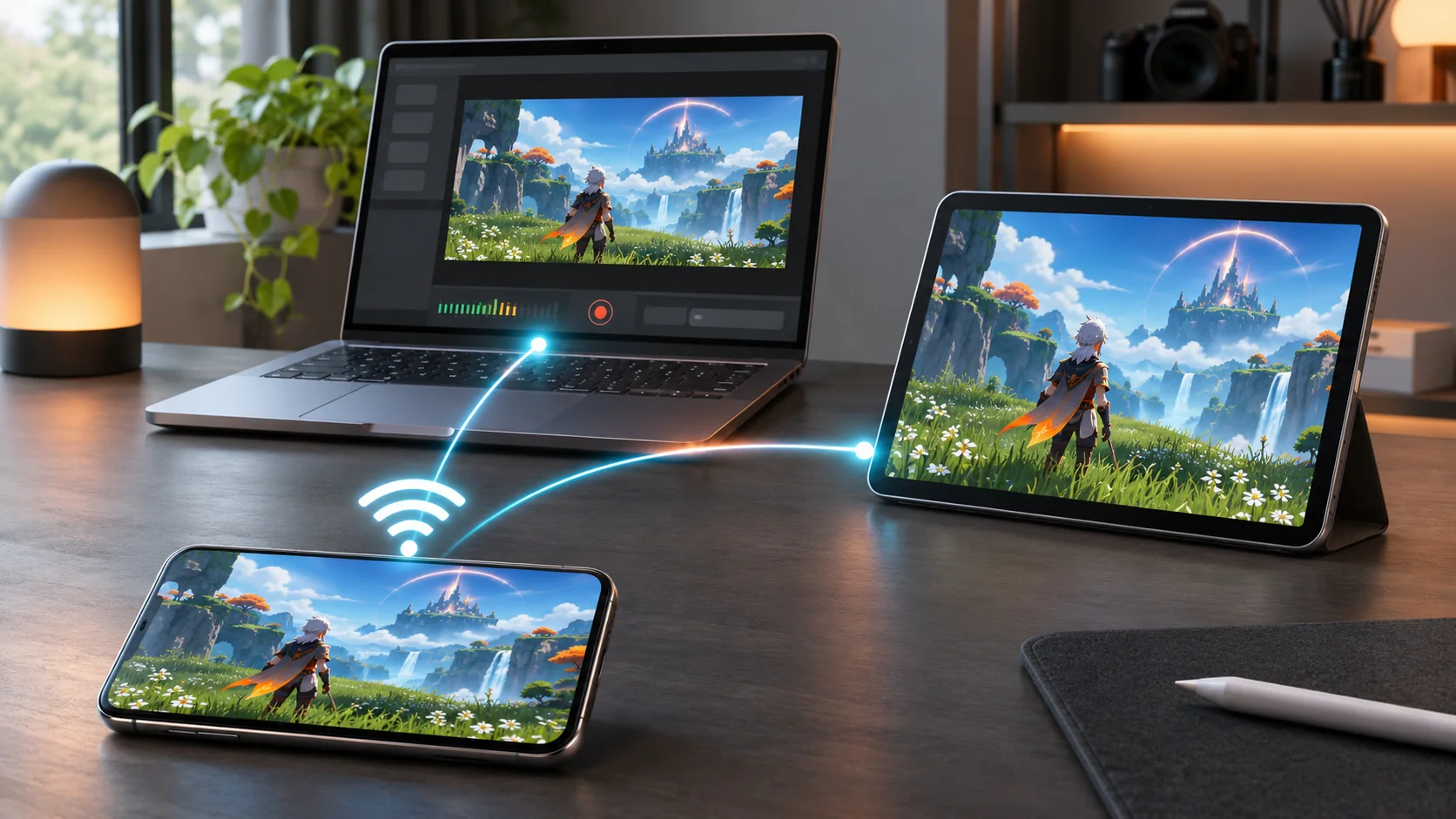
- ScanThe phone scans the QR code on the computer. A connection code or IP address works too.
- Allow sharingConfirm on the phone to share its picture with the computer.
- The picture appears in StudioPreview, record and switch it alongside the capture card.
The connection is encrypted and stays on your local network. The phone counts as one source in your plan.
Several sources, one program
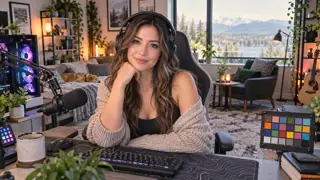
Put the game full screen, the host camera and phone in the corners, add a caption, and go live.
- CAM 1Game full screen
- CAM 3Add your camera
- CAM 2Add a phone
- PGMAdd a caption and go live
Program sources: FREE 2, PRO 4, ULTRA 8.


Replay: save the last few seconds
The replay buffer keeps the last 15, 30 or 60 seconds. Highlight detection uses more than 155 keywords in three languages to find kills, wins and similar moments, and can export GIFs.
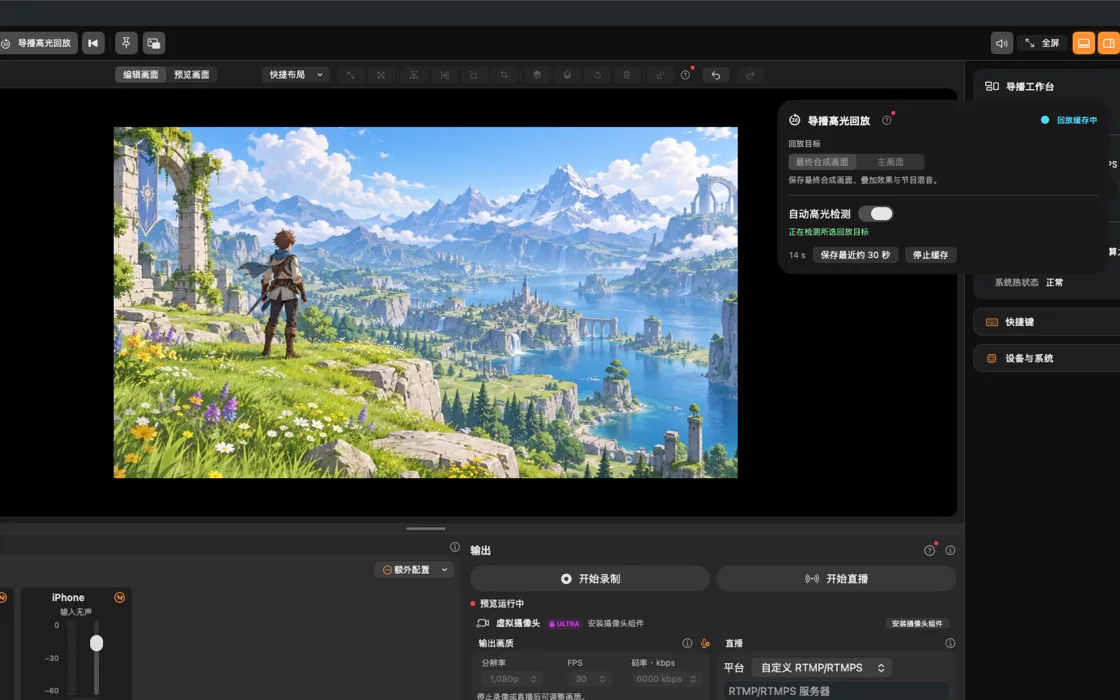
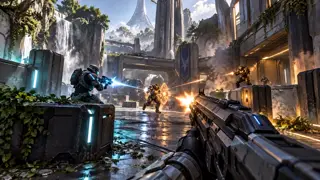





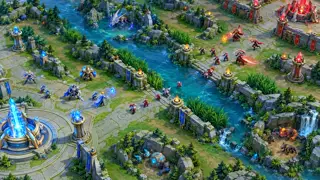



 Last 30s
Press save and the last 30 seconds become a clip.
About replay and highlightsRecord, stream, or use the program as a camera
The program you build in the switcher can be recorded locally and streamed at the same time.
Record locallyFREE The program is saved as a video file. ULTRA can split mic and game audio into separate tracks for editing.
Go liveFREE Paste the stream address your platform gives you (RTMP or RTMPS) and start.
Use as a cameraULTRA Send the program as a virtual camera to meeting apps and other streaming apps.
How the three plans differ
Switch plans below to see how the program and the available features change.



- Recording, screenshots and one stream
- No watermark
- Replay, highlights and GIFs
- Picture adjustment and framing guides
- Your own LUTs, beauty filters
- Separate audio tracks and virtual camera
- Control the phone from the computer, and AI (experimental)
Your plan follows your Jemdo account on Mac, Windows, iPad and Android. Eligible Jemdo hardware includes PRO for each device
Registration includes 30 days of PRO without a card or automatic charge.
Capture cards and after-sales
Jemdo capture cards are sold in the Jemdo Store. Warranty, returns and hardware checks are handled in the service centre.
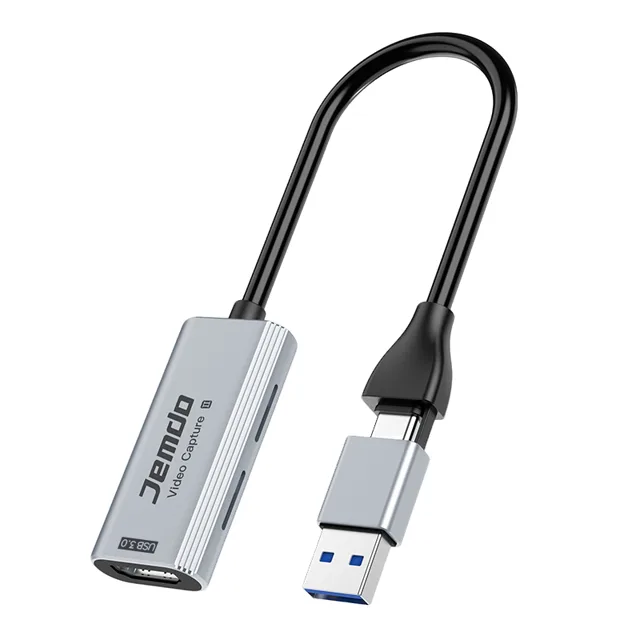
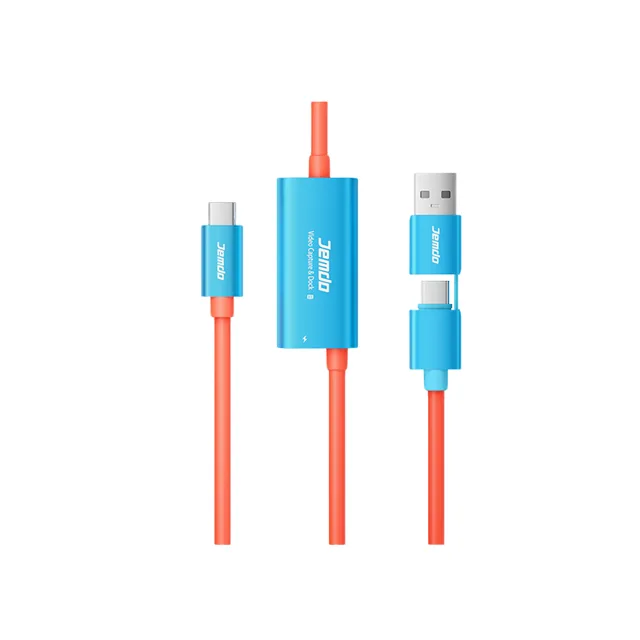
- Warranty and returns
- Orders and shipping
- Hardware test centre
- Contact support · support@jemdogame.com