Show the work and the person behind it.
Combine sources for gameplay commentary, demonstrations or a small production setup. Arrange your scene before going on air.
One presentation. Two ways to watch.
Let an overhead view show the work while a presenter keeps it personal. Switch layouts and swap sources to find what suits your story.
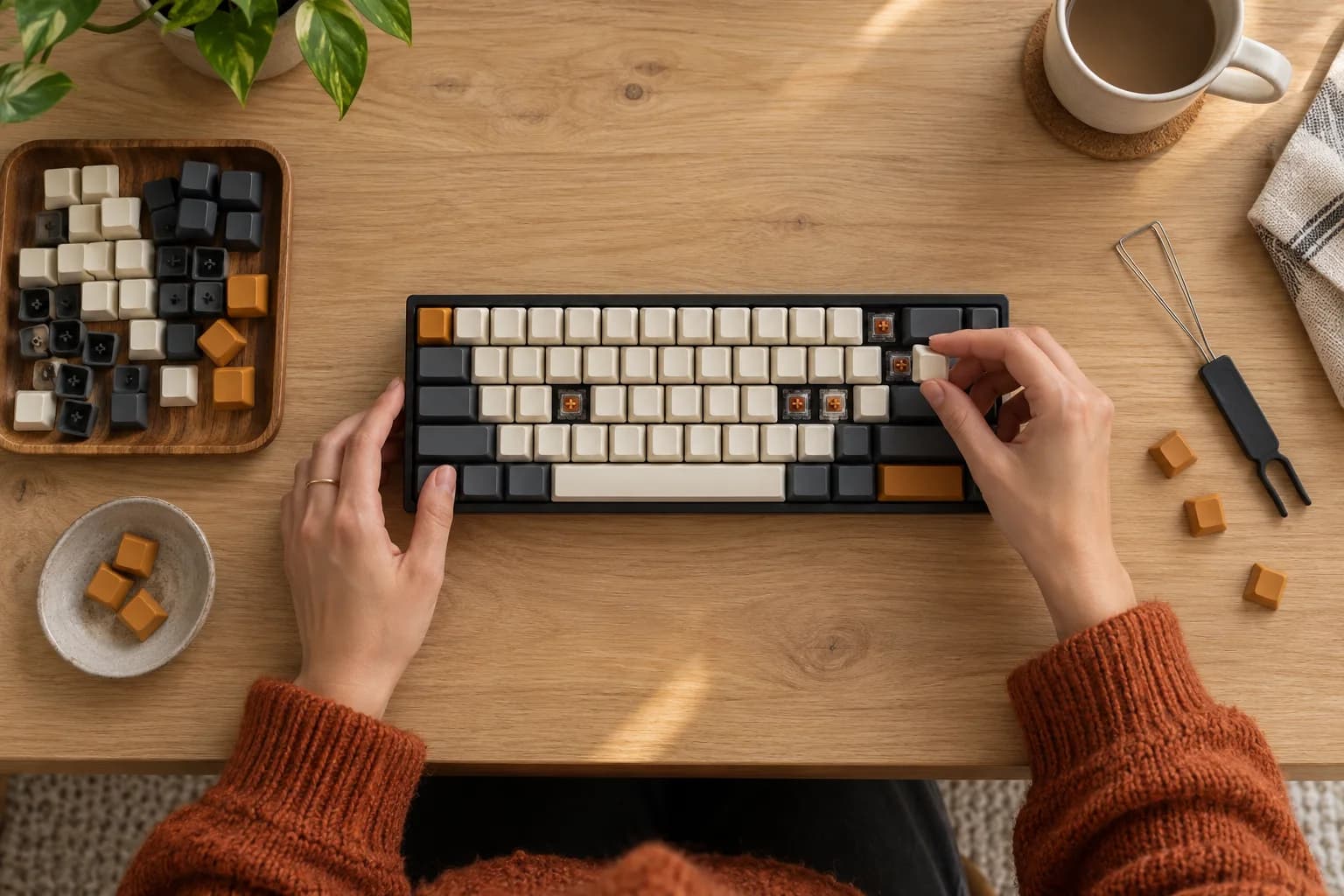 Main source
 Second source
Interactive composition illustration using two AI-generated scenes. Actual source counts and input types depend on the device, platform and plan.
Prepare the scene before the moment.
Treat source selection, layout and output as three separate choices.
- 01
Add your sources
Choose the capture, camera and Link inputs supported by your device. Check each source before adding it to your composition.
- 02
Arrange the composition
Give the main picture the room it needs. Use the layouts available in the client to place secondary views without hiding the subject.
- 03
Check the output
Confirm the composed picture and audio. Record a short sample using the output route supported on your platform.
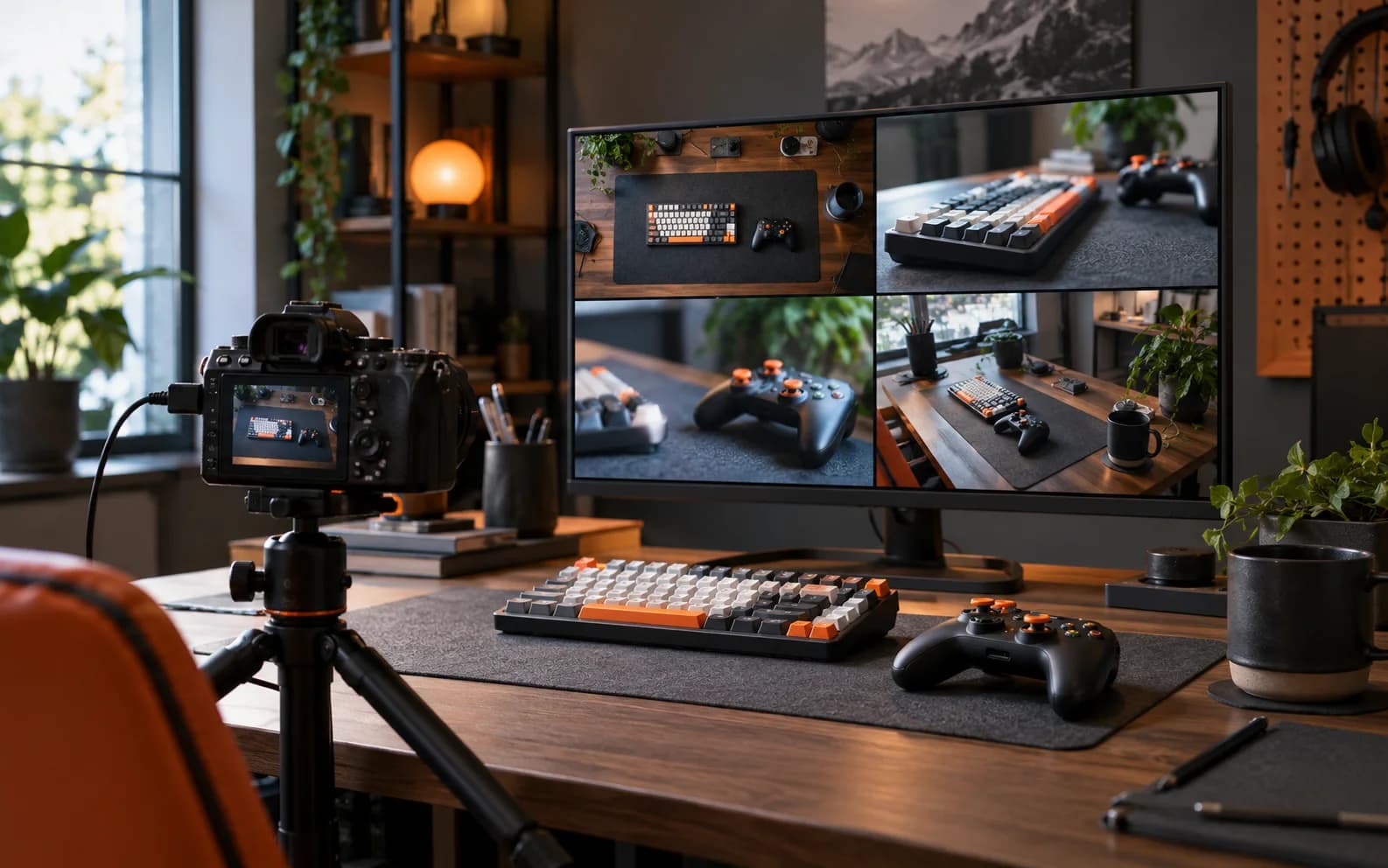
Before you start
Input count and output routes depend on the released plan, device performance and source type. Mobile Link currently admits one active receiving session; published plan quotas do not guarantee multiple simultaneous mobile receivers.
Compare plansStart with the right build.
Start with two available sources and build a simple layout.
Help and answers